Whilst fleshing out ideas for my new ZX Spectrum game, I’ve
also found some time to work with my Raspberry Pi. A while ago I bought a
breakout board kit for the Pi. This was easily constructed so I needed to then
test it. The board connects via the i2c bus and exposes several ports that can
be used as inputs or outputs. The controller chip only costs about a £1 so if
things went wrong it is a lot cheaper to buy a new chip than it is a new Pi. By
default the Pi has the i2c support turned off. This can be enabled by
commenting out the i2c line in the blacklist file. A few supporting files need
to be download and then it’s ready to work. I adapted some Python code and
wired up a LED and resistor to my breadboard. I could then switch the LED on
and off from the command line. This isn’t exactly rocket science but it proves
that everything is installed correctly and I that can still solder properly.
The next step is to look at controlling my amateur radio kit remotely. Here are
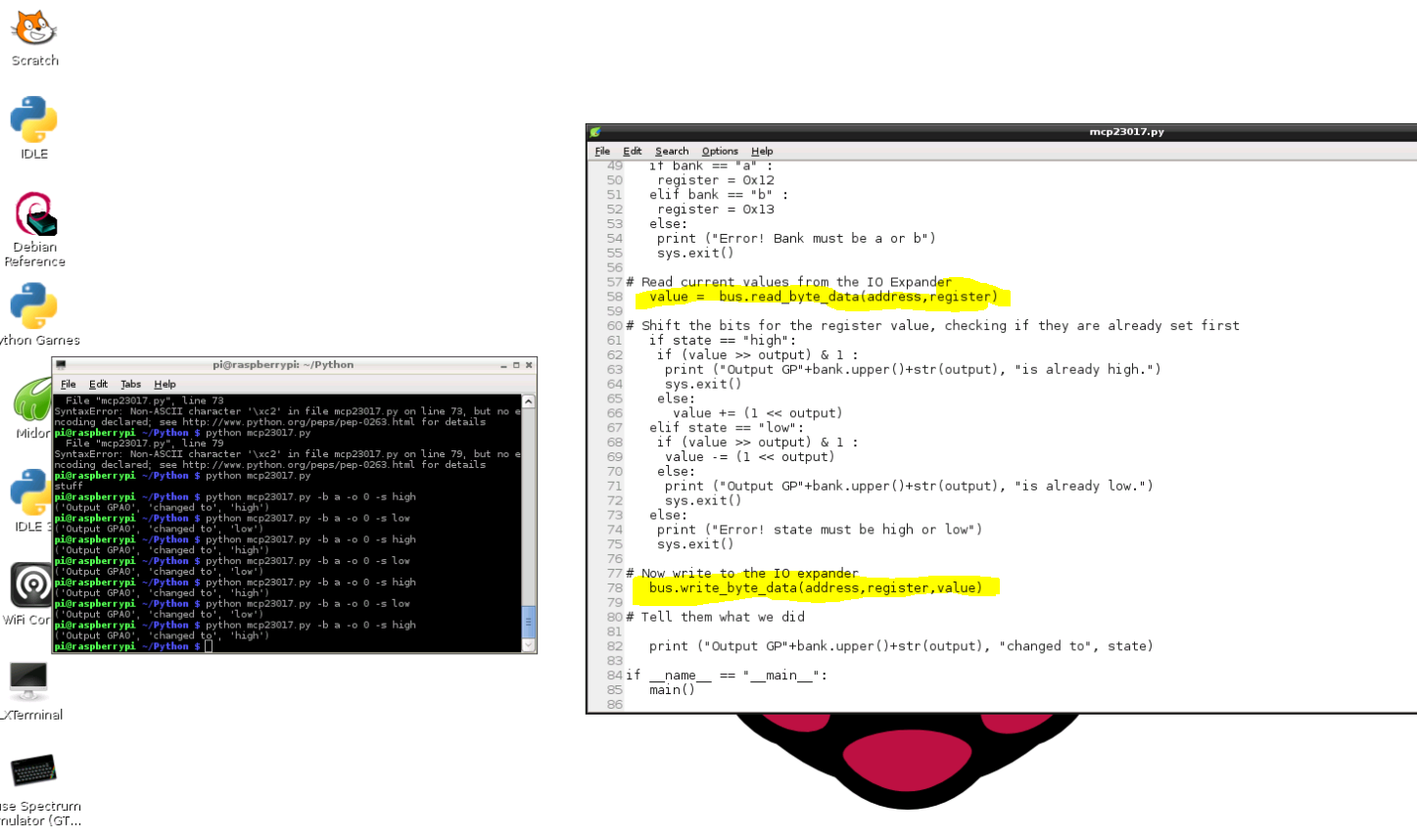
some pictures of the board and a screen shot of the Python program. I am still
using VNC to connect to the Pi so I can program from the comfort of my lounge.